Best Time Tracking Software for Teams in 2026
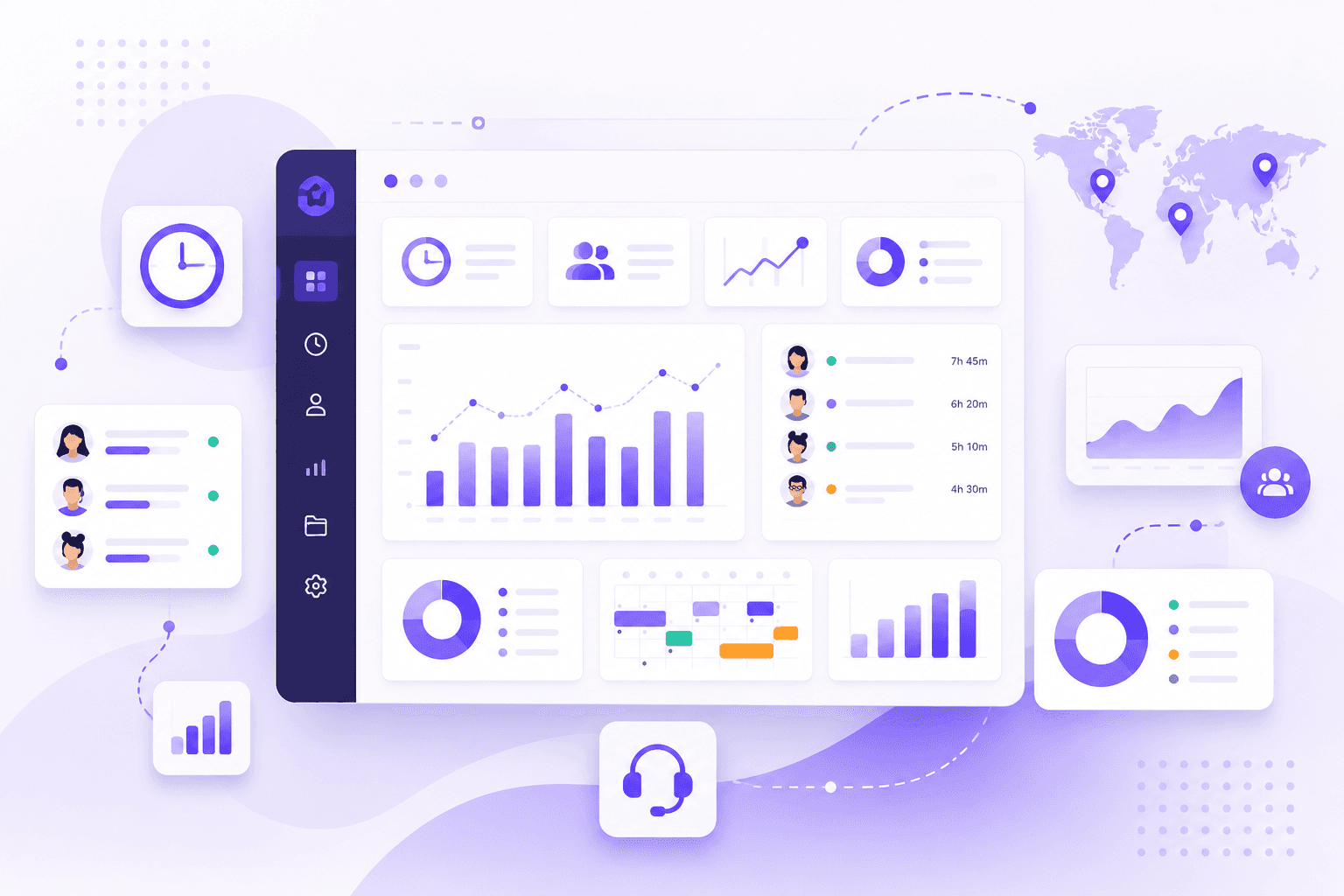
Finding the right time tracking software in 2026 isn't just about clocking hours anymore. The best tools track screenshots, score productivity, manage attendance and leaves, flag idle time, and report on project-level work — all in one place.
The problem? Most "best of" lists are written by people who haven't actually run a team with these tools. They compare pricing tables, not real-world accuracy.
This guide is different. We break down what actually matters when choosing a time tracker for your team — and which tools genuinely deliver on each feature.
What to Look for in a Time Tracking Tool in 2026
Before jumping into the list, here's what separates a basic time tracker from a tool that actually helps you manage a team:
- Screenshots — random-interval captures that can't be gamed, with idle frame detection
- Productivity scoring — keyboard, mouse, and app activity rolled into a transparent daily score
- Attendance & leave management — who's in, who's out, who's on leave — without a second HR tool
- Project & task tracking — hours broken down by client, project, and task for billing and reporting
- Idle detection — automatic flagging when an employee goes inactive during a shift
- Shift accuracy — especially important for teams that work non-standard hours
If a tool is missing two or more of these, you'll end up stitching it together with other software — which costs more and creates gaps in your data.
The Best Time Tracking Software for Teams in 2026
1. Horaflow — Best Overall for Teams That Need Everything
Pricing: From $1.25/user/month (yearly) · $125/mo flat for up to 100 users
Platforms: Mac, Windows, Linux
Best for: BPO, logistics, remote teams, shift-based operations
Horaflow is the only time tracker on this list built around the concept of a shift rather than a calendar date. That distinction matters more than it sounds — if any of your employees work past midnight, every other tool on this list will split their hours incorrectly across two days.
Beyond shift accuracy, Horaflow covers the full stack:
Screenshots
Random-interval captures run in the background with no set pattern, so employees can't predict when a screenshot will be taken. Idle frames — screens with no activity — are flagged automatically, saving managers from manually reviewing hundreds of blank captures.
Productivity Scoring
Keyboard input, mouse movement, active app usage, and meeting time are combined into a single productivity score per employee per day. Unlike black-box scoring systems, Horaflow lets you drill into any score to see exactly what made it up. No surprises, no contested numbers.
Attendance & Leaves
Built-in leave management means you don't need a separate HR tool. Track who's present, who's late, who's on approved leave, and who didn't show — all from the same dashboard you use for time and productivity.
Project & Task Tracking
Hours are broken down by project and task, so billing clients by actual time worked is straightforward. Per-project, per-employee, and per-task reports are available without any manual export or spreadsheet work.
Idle Detection
Idle alerts notify managers by email when an employee has been inactive through too many screenshot cycles. Catch the issue early instead of discovering it at the end of a shift.
What makes it stand out: Flat-rate pricing (not per-user), real shift support, and a Linux desktop agent — which almost no competitor ships. At $1.25/user/month on yearly billing, it's roughly 10x cheaper than Time Doctor for equivalent features.
2. Hubstaff — Good for Field Teams, Weak on Shifts
Pricing: From $7/user/month
Platforms: Mac, Windows, Linux, Mobile
Best for: Field teams with GPS needs
Hubstaff is one of the most established names in time tracking and does several things well — GPS location tracking, payroll integrations, and a solid mobile app for field workers.
Where it falls short for office and shift teams:
- No native shift support — night shift hours split at midnight like every other standard tool
- Screenshots are available but flagging idle frames requires manual review
- Productivity scoring exists but is tied to app/URL categories that require manual setup
- Leave management requires a third-party integration
For a field sales or construction team that works standard hours, Hubstaff is a reasonable choice. For anyone running shifts or needing deep productivity data, the gaps start to add up — and at $7+/user, those gaps are expensive.
3. Time Doctor — Feature-Rich but Overpriced
Pricing: From $7/user/month
Platforms: Mac, Windows, Linux, Mobile
Best for: Agencies and remote teams needing detailed app tracking
Time Doctor has one of the most detailed app and URL tracking systems on the market. It logs every application used and every website visited, categorized into productive vs unproductive buckets.
The tradeoff: it's complex to set up, the UI is dated, and it assumes calendar-day shifts. For a 200-person team, you're looking at $1,400+/month — significantly more than flat-rate alternatives for equivalent features.
Screenshots, productivity scoring, and project tracking are all present. Idle detection works but generates a lot of noise (frequent popups asking employees if they're still working, which many teams find disruptive).
Leave management is not native — you'll need a separate HR tool.
4. Clockify — Good Free Tier, Limited for Real Teams
Pricing: Free (limited) · Paid from $4.99/user/month
Platforms: Mac, Windows, Linux, Mobile, Browser
Best for: Freelancers and small teams tracking billable hours
Clockify's free plan is genuinely generous — unlimited users, unlimited projects, and basic time tracking at no cost. For freelancers or very small teams just needing a timer, it works.
The moment you need screenshots, productivity scoring, or attendance tracking, you're on a paid plan. And those features are more limited than dedicated tools — screenshots require the highest-tier plan, productivity scoring is basic, and shift management doesn't exist.
Idle detection is present but passive — it detects inactivity and asks the user whether to keep or discard the time, putting the honesty burden on the employee rather than the system.
For a growing team that needs real oversight, Clockify becomes a workaround machine rather than a complete solution.
5. ActivTrak — Analytics-Heavy, Not Shift-Aware
Pricing: Free (limited) · From $10/user/month
Platforms: Windows, Mac (limited Linux support)
Best for: Compliance-focused enterprises needing workforce analytics
ActivTrak leans heavily into workforce analytics — behavior patterns, burnout risk scores, focus time analysis. It's genuinely impressive if your primary concern is deep behavioral data and you have an analyst to interpret it.
For straightforward team time tracking, it's overkill. There's no native shift management, no leave tracking, and screenshots are more of an audit feature than a real-time monitoring tool. Pricing at the enterprise tier can exceed $15/user/month.
If you're a 50–500 person operation that needs time, attendance, productivity, and screenshots in one place, ActivTrak's complexity works against you.
How to Choose the Right One for Your Team
Choose Horaflow if: You need the full stack — screenshots, productivity scoring, attendance, project tracking, and idle detection — without paying per user. Especially if any of your team works non-standard hours.
Choose Hubstaff if: You have a field team with GPS tracking needs and standard 9-to-5 hours.
Choose Time Doctor if: You're an agency that needs extremely detailed app and URL categorization and you're okay paying a premium for it.
Choose Clockify if: You're a freelancer or very small team that just needs basic time logging and billing.
Choose ActivTrak if: You're an enterprise with a compliance or HR analytics requirement and budget to match.
The Bottom Line
In 2026, a time tracker that only tracks time isn't enough. Your team needs screenshots that can't be gamed, productivity scores that mean something, attendance records that don't require a second tool, and project reports you can actually bill from.
Most tools check some of those boxes. Very few check all of them — and fewer still do it at a price that makes sense for teams of 50 to 500.
If you want to see what complete, accurate time tracking looks like for your team, Horaflow offers a 10-minute demo where you can bring your real data and see what your actual numbers look like.
Start your free trial
Horaflow is employee time tracking built for real teams — screenshots, productivity scoring, attendance, project tracking, and idle detection from $1.25/user/month."
Book a 10-minute demo →